I Built a Private Outlet Where Every Unit Sells on Its Own and Nothing Goes Out Without a Cost
A closed, invitation-only online store connected to the ERP, built to sell units with packaging, label or date flaws that don't fit in the main store, without losing control of inventory or selling below cost.

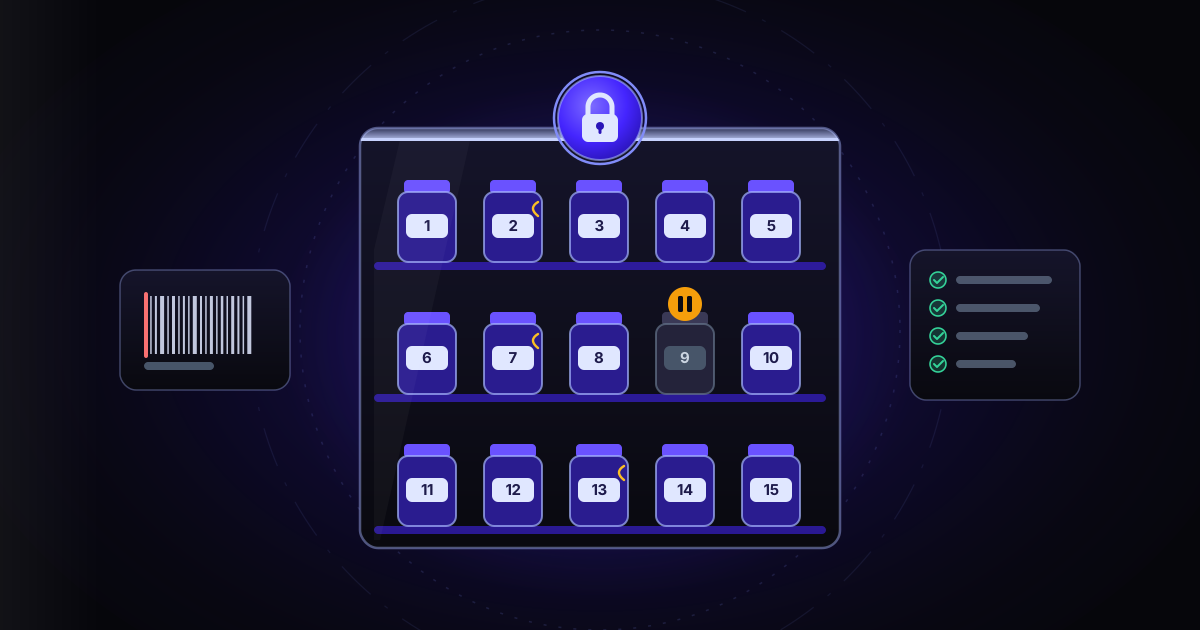
A dented tub, a torn label, a bag with a broken outer seal, a lot with only a few months left. In a supplement eCommerce business that happens every week, and the contents are almost always fine. The problem is where to sell it: it doesn't fit in the main store, where everything sells new and at full price.
In the Chilean eCommerce business I built this for (a retail store and a wholesale one, with two warehouses of their own), those units are set aside in the ERP in two special warehouses, one per city, for items with flaws. And there they stayed. I built a private outlet: a closed online store, connected to the ERP, where every unit is sold on its own, with its flaw in plain view, and never below what it cost.
A store you can't see from outside
Without a session, nothing exists but the sign-in screen. No search engine indexes it, there is no sitemap, and even the store's data connection requires being signed in. Only the legal pages can be read without a session.
- Access is by invitation: the team creates the account and the person gets an email to set their password.
- Anyone without an invitation can request access with their name, email, phone and district. Every request is reviewed by hand and approved or rejected.
- Accounts are personal. The terms allow rejecting requests or disabling accounts used for unauthorized resale.
The outlet has its own brand. Product descriptions come from the single product record, but before going live they are stripped of links and of any block that names the main stores.
Every unit is its own record
In a normal store, a product has one stock figure: "3 left". That doesn't work here, because each of those three units has a different issue. One is dented, another has a damaged label and the third expires soon. The buyer needs to know exactly which one they're getting.
So each ERP product is published as a product with options, and each physical unit is an option with a numbered name ("Unit 1", "Unit 2"…), its own detail, photos, price, stock and warehouse. Over 12 identical units, a "Lot" with a quantity goes up instead, so the page doesn't fill up with identical options.
- Condition is marked with tags from a fixed catalog, in five groups: date, packaging, label, presentation and guarantee (for example, "Inner seal intact").
- Dates come from the lot in the ERP. A unit expiring within three months is tagged "Near date"; one past its date, "Expired".
- The "Why it's in the outlet" text is written by AI from the tags and the warehouse notes: 200 characters max, and it never claims the contents are sealed unless the tag that backs it exists.
The terms make it clear: the flaw stated on the page doesn't qualify for a return, because the buyer knew about it. Any other problem does get reviewed.
Numbers that never repeat
When every unit has a name, two units with the same name in the same warehouse are a serious error: nobody knows which one was sold. It happened. The next number was calculated by counting the product's options, and that count could drift.
- Now the new number is the highest one already used in that warehouse, counting sold units and those in the trash.
- Units are created under a per-product lock: if the hourly task and a manual publish overlap, one waits for the other and they don't take the same number. If a process dies holding the lock, it frees itself after two minutes.
- An hourly name guard looks for repeats: the oldest unit keeps the name, the others move to the next free number, and an email arrives with the details.
Never more published than what exists
The store doesn't invent stock. Every hour, a guard compares what is published against what the ERP has available, minus orders that haven't reached the ERP yet. If there's excess, it lowers the newest units first. It never raises stock on its own.
The ERP can be wrong too, so the guard is suspicious:
- If the ERP reports less than half of the last valid reading, it leaves the store alone and sends an email. Only if the drop repeats in three runs in a row does it treat it as real, and never when the total comes back as zero.
- An increase has to show up in two readings in a row before units are created. It used to take just one: an inflated reading created a whole batch that the guard zeroed out the next hour, leaving 685 empty units in the catalog.
- A cleanup task sent the 674 empty copies that were never in an order to the trash (recoverable for 30 days). Now, when units are missing, empty unsold ones without photos are reused first.
The panel only lists units with stock. Sold ones live under the "Sold out" filter.
Nothing goes out without a cost
The outlet isn't there to make margin, it's there to recover what was invested. The suggested price is the ERP cost, rounded up to the nearest ten pesos; whoever publishes by hand can adjust it. The page shows the main store's reference price next to it, and how much the buyer saves.
That carries a risk: a product with no cost loaded in the ERP would go out at zero. So a product without a cost is put on hold: it isn't published and gets no new units, automatic or manual. Before pausing it, a cost detector checks its inventory receipts and allocated import costs (what the ERP calls landed cost: freight, customs and insurance spread per unit); if there are none, it checks its outgoing moves. For products that truly have no cost, the team can set a fixed price per code. The warning email arrives only once per product.
Orders leave the same way as everywhere else
Payment is by bank transfer. The order is held for 24 business hours, weekends excluded; if payment doesn't arrive, it cancels itself and the unit goes back on sale. Shipping is a flat $2,500 anywhere in Chile, and free pickup is only offered at the warehouse holding every unit in the cart.
The inventory outflow in the ERP is created by the multichannel connector, just like for the company's other sites. At first the outlet created its own; if both did it, every order would leave twice. A paid order already has its sale confirmed in the ERP, and that sale reserves the units, so the guard doesn't subtract it again.
The warehouse, phone in hand
Photos, tags and notes are loaded by the warehouse team with their own role that only sees the products section: no prices, payments or requests. To find a product, they just scan its barcode with the phone camera. If there's a single result, the page opens on its own. The search ignores leading zeros, because some readers add a zero in front. Of 117 products, 98 have a barcode in the ERP.
What the business gains
Stock that was sitting still turns back into cash, without touching the main store's prices and without selling a single unit below its cost. Inventory matches the ERP every hour, every unit has its own name, and every problem arrives by email before a customer notices it. It's the natural exit for what the system for stock that expires before it sells detects.
If you have idle stock that doesn't fit in your main store, start with an AI diagnosis for your company.
Contact me