Now My Customers Can Put the Creatine Tub on Their Table Before Buying It
Every product in the catalog can have its own 3D model. It's uploaded once in the product record, shows up in the online store on its own, and the customer can rotate it on screen or place it on their table with their phone's camera.

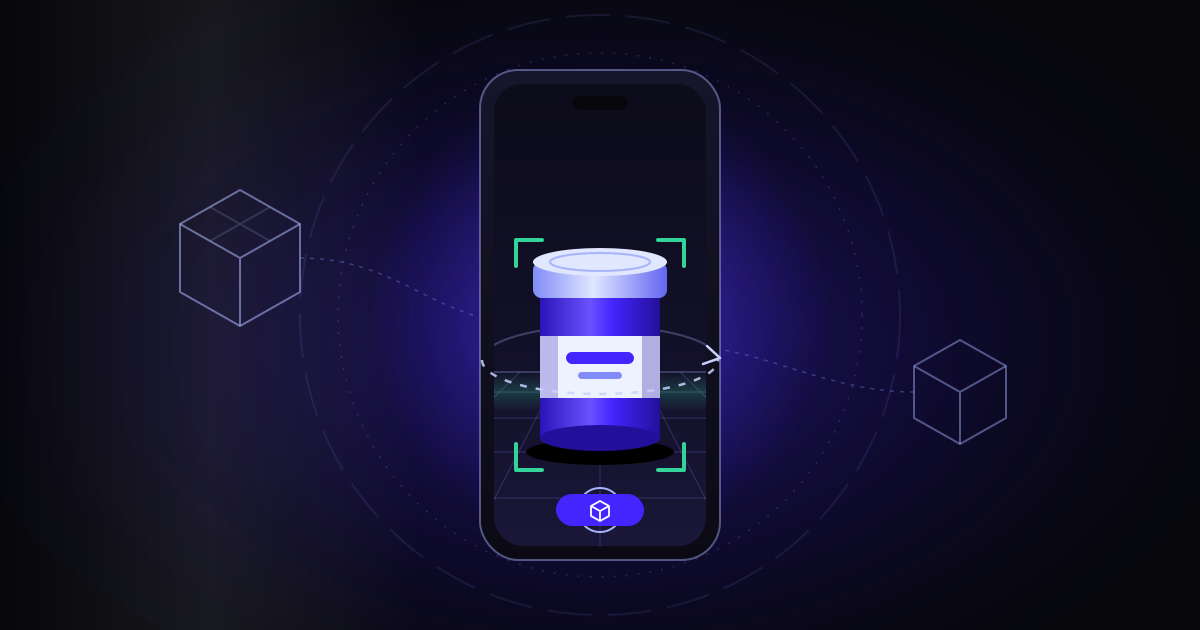
A product photo says a lot, but it doesn't tell you the size. With supplements the question comes up all the time: is that creatine tub small or big? Will it fit in the kitchen cupboard? What does the lid look like? A studio shot, on a white background with nothing next to it, has nothing to compare against.
In the Chilean eCommerce business I built this for (a retail store and a wholesale one, with two warehouses of their own), the answer was to give every product a 3D model of its packaging. On the online store's product page you rotate it with your finger and, on a compatible phone, you place it on your table with the camera.
A 3D model that lives in the product record
The catalog already had a single record per product, with the label, the warning seals, the regulatory paperwork and the photos. I wrote about it in another draft. The 3D model didn't go into a separate system: it stayed in that same record, in the Images tab, as one more block with three slots. Living there is not a minor detail: whoever uploads a product's photos is already on that tab, so the 3D is one more slot, not a new system to learn.
- Model (GLB): the file that rotates on the store's product page. GLB is the standard 3D format for the web; browsers and Android phones open it. Ideally it weighs under 500 KB.
- Poster: a three-quarter view of the packaging, on a transparent background, shown while the 3D loads.
- USDZ (optional): Apple's 3D format, the one the iPhone uses to show the product in augmented reality.
When the first GLB is uploaded, the "Show in the stores" switch turns on by itself, because that's what you expect when you load one. If the GLB is removed, it turns off. Every change records who made it and when, and it sticks once the record is saved, like the rest of the product's data.
What the customer sees
The product page in the online store shows a “View in 3D” button. The poster loads first, since it's light; then the model comes in, and you can rotate and zoom it with your finger or the mouse.
Augmented reality relies on what each phone already has. On iPhone, Apple's viewer for 3D objects (Quick Look), which opens the USDZ file. On Android, the system's augmented reality viewer, which opens the GLB. The phone detects the surface, the customer points at their table and the packaging appears there, with its shadow, to look at from any side.
What you gain is context. Next to a mug, a laptop or their own hand, the customer sees whether the tub is what they pictured. That doubt, which used to be left for the chat or for the day the package arrived, gets settled before buying.
The 3D doesn't replace the photos. The photos are still on the page; the model is an extra layer for anyone who wants to take a closer look. And if a product doesn't have a model yet, its page looks the same as always: there's no button that leads nowhere.
Upload it once and it shows up in the store on its own
Nobody has to log into the online store to upload files. The central record publishes a public read-only feed (a web address that returns the list of 3D models) with the bare minimum: the product code, the file addresses, their sizes and whether it's switched on. Nothing else from the record is exposed.
It's public because 3D files are like product photos: they're made for anyone to see in the store. The rest of the record, like the label or the paperwork, never goes through that feed.
A plugin installed in the store checks that feed every hour, downloads the files to the store itself and shows the viewer on the matching product page. Each model carries a version that only changes when one of its files changes, so the store downloads them again only in that case.
Two switches, one rule
The 3D only shows if it's on in the central record and hasn't been turned off on the store's product page. The first switch belongs to the catalog: it says whether the model is ready. The second is in the hands of whoever runs the store, in case they'd rather not show it on a given product, without touching the catalog.
Turning it off deletes nothing. The files stay in the record, and the model comes back when the switch is turned on again, at the store's next check.
Checks so a bad file doesn't slip through
A 3D model is a heavy file and easy to mix up. The system doesn't trust the file extension: it checks the signature, the first bytes of the file, which say what it really is.
- A GLB must start with the "glTF" marker.
- A USDZ must be a ZIP file and its name must end in .usdz.
- Neither can go over 25 MB.
- Each slot only takes its own kind of file: a poster doesn't go where the GLB goes, or the other way around.
The first models came in well under the cap: each GLB weighs about 300 KB, each USDZ about 2.5 MB and the poster about 28 KB. On a phone running on mobile data, that difference shows.
Many products at once
Uploading file by file works for one product. For a whole batch there's a command-line upload: one command per product, with its code, the GLB, the poster and, if there is one, the USDZ. It can be loaded switched off, to review it before showing it.
The command requires the code to match exactly one record; if it finds zero or two, it stops and says so. The log records that the upload came from the command line. That's how the first three products went in, a mix of creatines and protein, and they're already switched on and in the feed.
What the business gains
Fewer doubts about size and look right when the customer is deciding. A tub in 3D on their own table answers what no studio photo can. And the operation is simple: the model lives in the same record that already holds the label and the photos, it's uploaded once and the store picks it up on its own. There are no two copies to maintain either: if the packaging changes, you replace the GLB in the record and, at the next check, the store downloads the new version. If another store joins tomorrow, it can read the same feed. The series continues with the single product record and the dashboard that brings all the apps together.
If you want your product pages to settle doubts before the purchase, start with an AI diagnosis for your company.
Contact me